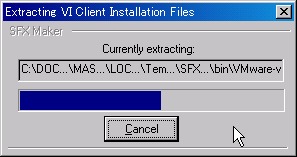
前回の続き。
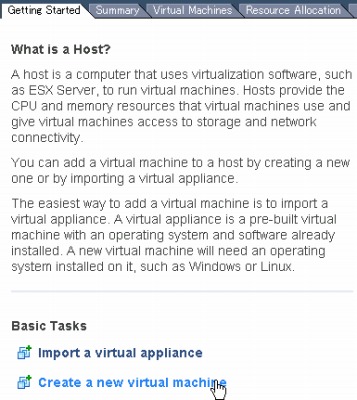
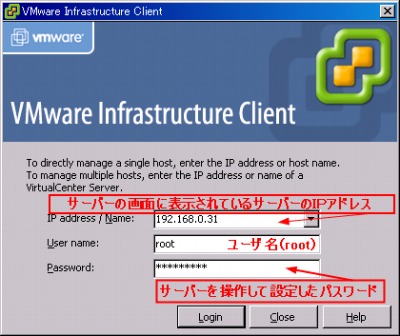
VMware Infrastructure Client からのログインと操作画面の図解です。
スポンサードリンク
- ログインしてみる
- 画面
- ◇Getting Started
- ◇Summary
- ◇Performance
- ◇Configuration – Health Status
- ◇Configuration – Processors
- ◇Configuration – Memory
- ◇Configuration – Storage
- ◇Configuration – Networking
- ◇Configuration – Storage Adapters
- ◇Configuration – Network Adapters
- ◇Software – Licensed Features
- ◇Software – Time Configurations
- ◇Software – DNS and Routing
- ◇Software – Virtual Machine Startup/Shutdown
- ◇Software – Virtual Machine Swapfile Location
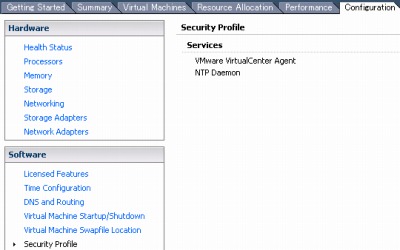
- ◇Software – Security Profile
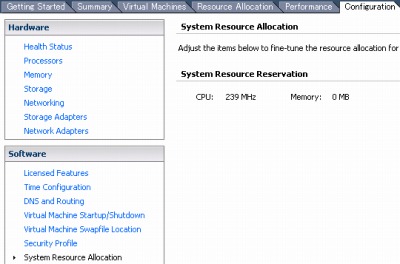
- ◇Software – System Resource Allocation
ログインしてみる
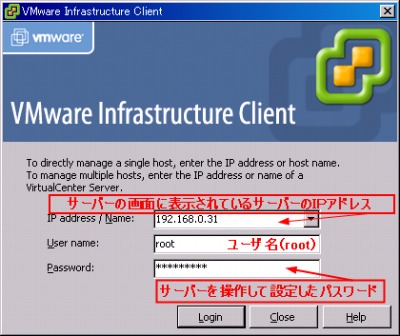
▲必要な情報を入力する
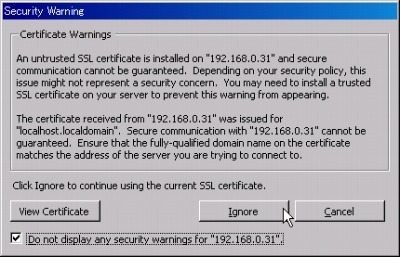
▲セキュリティー警告が出る(チェックしてIgnoreをクリック)
画面
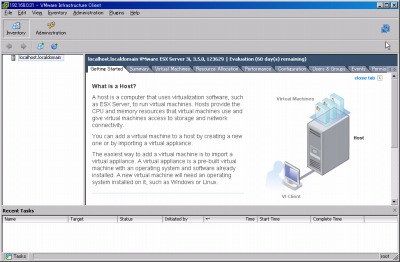
◇Getting Started
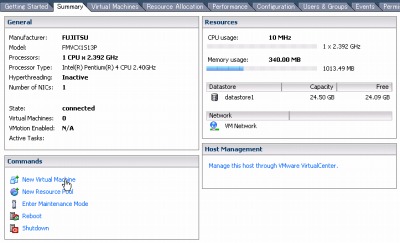
◇Summary
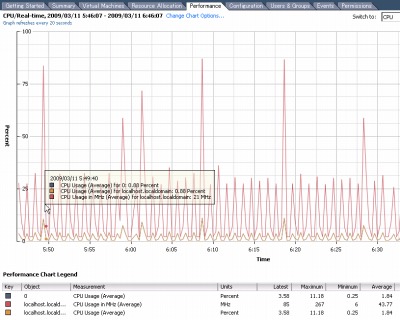
◇Performance
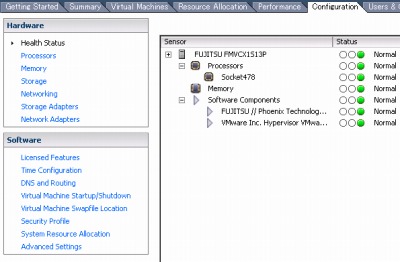
◇Configuration – Health Status
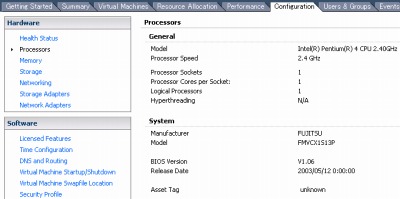
◇Configuration – Processors
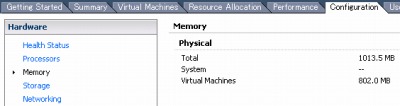
◇Configuration – Memory
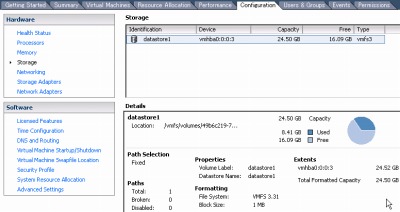
◇Configuration – Storage
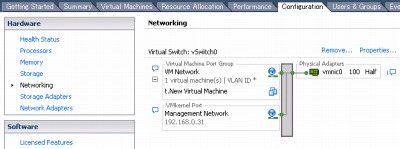
◇Configuration – Networking
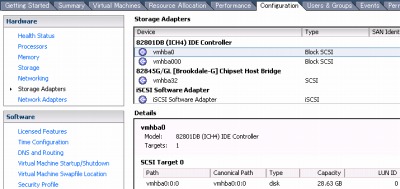
◇Configuration – Storage Adapters
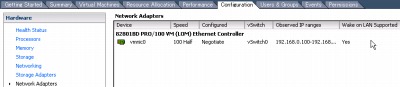
◇Configuration – Network Adapters
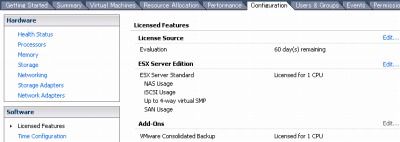
◇Software – Licensed Features
◇Software – Time Configurations
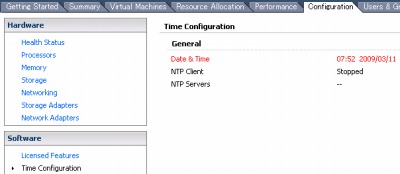
◇Software – DNS and Routing
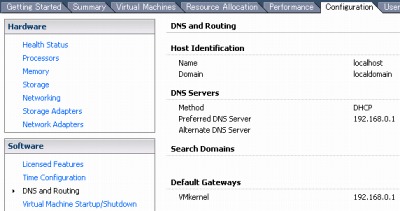
◇Software – Virtual Machine Startup/Shutdown
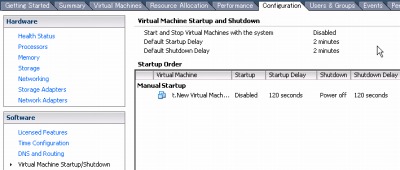
◇Software – Virtual Machine Swapfile Location
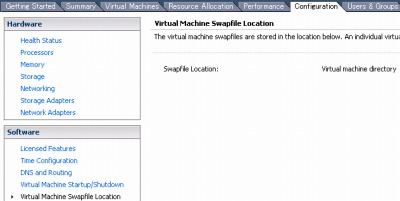
◇Software – Security Profile
◇Software – System Resource Allocation
→ 続く
oldId.20090310213019295